A Universal Weblog Editor for Windows
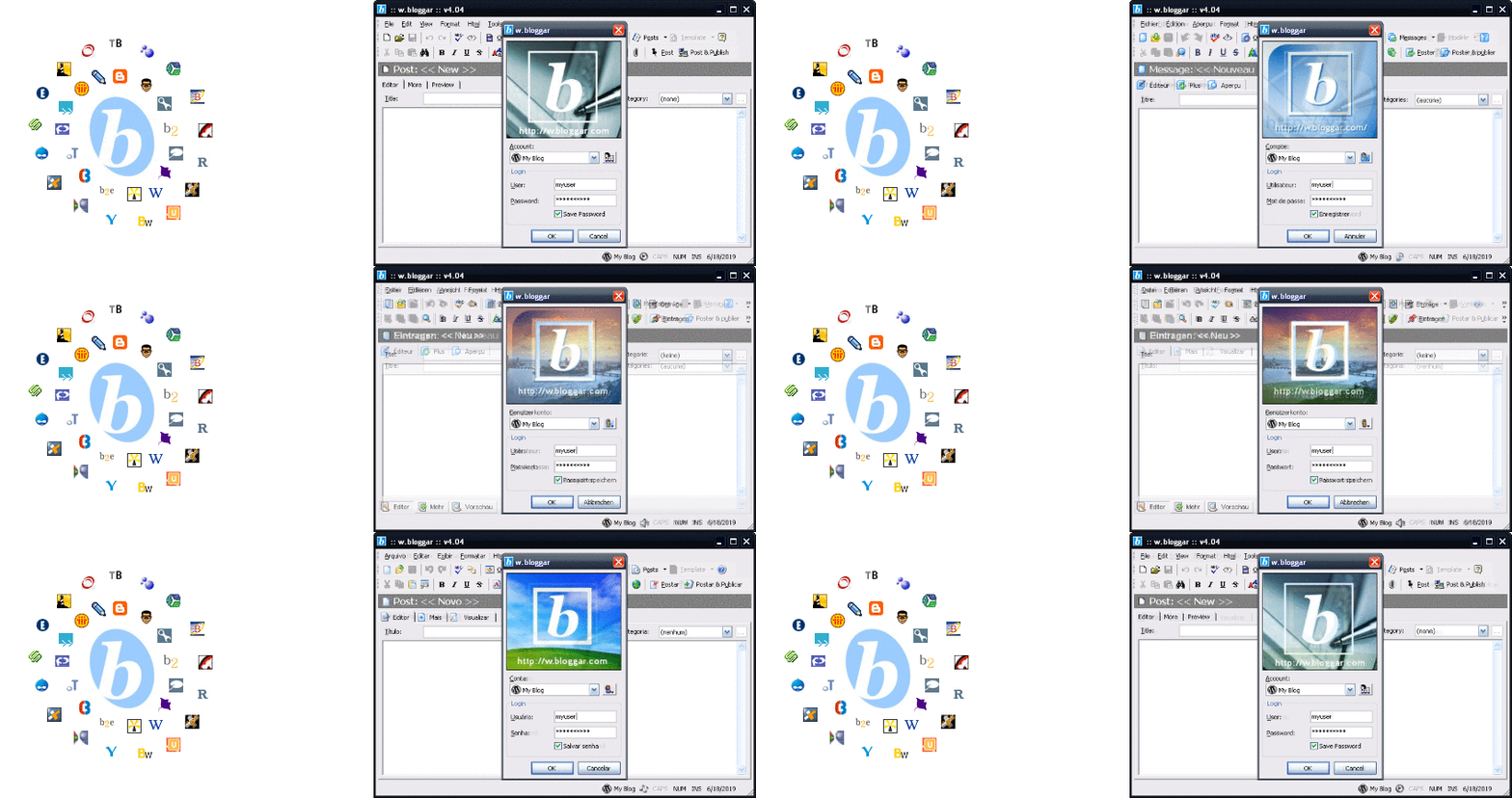
Early on the 21st Century, there was a fever, it was called weblogs. Several different blog services started popping up over the Internet, in 2001 Blogger.com was the most popular one. Around that time, Blogger's founder, Evan Williams (the same guy that later founded Twitter.com and Medium.com) implemented and shared an API for the service, based on Dave Winer's XML-RPC protocol, that was a seminal work for all modern Web API standards.
As I had recently started my personal blog, I got interested in learning how to use an API like the one Blogger had, so I created the freeware project Bloggar (with an "a"), that in portuguese sounded exactly as the (neology) verb "to blog". Early on, it got some traction over the web and Ev Williams blogged about it, driving a lot of new users to my tool. Just before I release version 2.0, I got an email from Ev asking me to rename the tool as it's pronunciation in english was too close to their trade mark. So I renamed it to w.bloggar as a reference to weblog and Windows (the target platform for the tool).
During the next 6 years I had a lot of fun developing this project, added support to pretty much all blog services in the market (with API), translated to multiple languages, I made a lot of friends all over the world, gave interviews, had w.bloggar cited in several books and magazines, got some donation and even negotiated a possible purchase of the tool by Blogger.com, months before they were acquired by Google. If that deal was made, w.bloggar could have become a Google project.
Around 2007 new browser frameworks like AJAX, started to enable rich editors on web browsers and the interest for my tool started to fade, at the same time my professional life had changed a lot, so I officialy ended the project by that year. Unfortunately because of a miscommunication with the donor of w.bloggar website hosting, I ended up losing the domain (wbloggar.com) and the site content, at least the WayBackMachine from Archive.org still has a copy of it, there you can browse the original website and even download older versions of the tool.
More recently, in 2013, I was invited to present a panel about w.bloggar history at the Campus Party Recife in Brazil. If you wish you can see the presentation slides (in Portuguese) I created for the event.
Finally in 2019 I released the source code here, with bug fixes and updated support for recent Windows versions, as a preservation effort for this project. If you just want to try it out, download the portable version at the Release page, unzip in a folder and have fun blogging.
The w.bloggar is an application that acts as an interface between the user and one or more blogs; in other words, it is a Post and Template editor, with several features and resources that the browser based blog editors did not offer at the time.
Because w.bloggar runs over the Windows GUI, it allows the user to edit posts without being connected to the Internet (that was an advantage back in the day of dial-up connections). Posts can be saved locally; and anytime the user wants to publish a new text, one click on the w.bloggar icon in the system tray brings up the editor, and one more click will post it to the weblog.
Another great advantage of w.bloggar is that it is compatible with most of the weblog systems available, allowing an advanced user to have only one interface to several accounts hosted on several different sites, using different publishing systems.
To communicate with the weblog, w.bloggar requires that the blog system have implemented an API (Application Programming Interface.) Currently, it is compatible with all tools that implements Blogger API, metaWeblog API, MovableType API and b2 API; all based on the XML-RPC definition.
- Post and Publish on most blogs/cms tools and services
- Edit Posts and Templates
- Save Posts locally for further publishing
- Import Text files
- Add links and images
- Format text font and alignment
- Multiple accounts and blogs
- Post preview
- Colorized HTML code
- HTML tags menu
- Find/Replace option
- Post to many blogs at the same time
- Title and Category Fields
- Spell Checking
- File and Image Upload
- Custom Tags Menu
- Toolbar Icons Skin
- Supports to the advanced MovableType options
- Add Account Wizard
- Support to Multiple Categories
- Option to XHTML compliance
- Import and Export Settings
- Ping to Weblogs.Com, blo.gs, Technorati and ping-o-matic
- Supports Windows XP, Vista, 7, 8, 8.1 and 10
To build the source code, you should open the project file wbloggar.vbp using Microsoft Visual Basic 6.0 (SP6) but before that you need to make sure you have the following ActiveX components properly registered on your system:
- Actbar2.ocx - DataDynamics ActiveBar v2.0 (commercial component)
- SizerOne.ocx - ComponentOne SizerOne v1.0 (commercial component)
- RichTX32.ocx - Microsoft RichText Control v6.1 (included with VB6)
- ActiveCbo.ocx - RainDrops Active Combo v1.3 (freeware by Marcelo Lv Cabral)
- ActiveForm.ocx - RainDrops Active Form v1.4 (freeware by Marcelo Lv Cabral)
- ActiveXMLReg.dll - XML Based Registry v1.0 (freeware by R. Glenn Scott)
- DTPicker.ocx - Date Time Picker Control v1.0 (freeware by Jonas Woltz)
- SSubTmr6.dll - VBAccelerator Subclassing Control v1.1 (freeware by Steve McMahon)
All these dependency binaries are available at the folder named "Libs" inside the portable package that you can download from the Release page, however the two commercial components (ActiveBar and SizerONe) requires a licensed version in order to be used on Visual Basic 6 development environment, and I can't distribute those licenses for obvious reasons.
- My website is https://lvcabral.com
- My twitter is @lvcabral
- My podcast is PODebug Podcast
- Check my other GitHub repositories
Copyright (C) 2001-2021 Marcelo Lv Cabral. All rights reserved.
Licensed under GPL v2 License.
This repository includes code from project XML-RPC COM by Jan Sijm